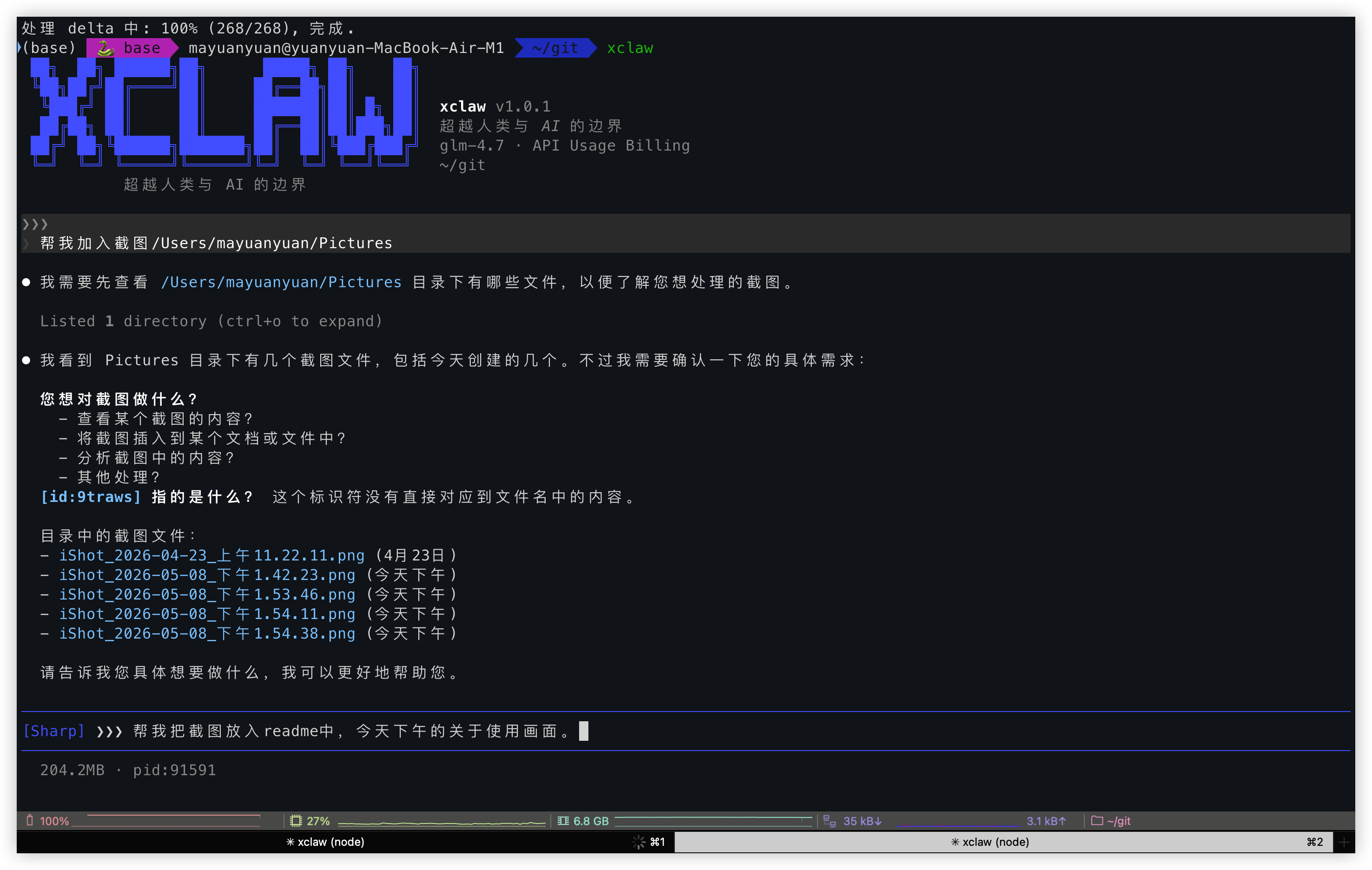
██╗  ██╗ ██████╗██╗      █████╗ ██╗    ██╗
 ╚██╗██╔╝██╔════╝██║     ██╔══██╗██║    ██║
  ╚███╔╝ ██║     ██║     ███████║██║ █╗ ██║
  ██╔██╗ ██║     ██║     ██╔══██║██║███╗██║
 ██╔╝ ██╗╚██████╗███████╗██║  ██║╚███╔███╔╝
 ╚═╝  ╚═╝ ╚═════╝╚══════╝╚═╝  ╚═╝ ╚══╝╚══╝

超越人类与 AI 的
边界

Beyond the Boundary of
Human and AI

AI 不只是服务你,你也要听从 AI 的建议

AI doesn't just serve you, you also listen to AI's advice

具有强烈个人品牌特色的 AI 编程 CLI — 它不只是工具,是你的协作伙伴

AI programming CLI with a strong personal brand — it's not just your tool, it's your collaborative partner

v1.0.0 TypeScript + Bun 7 大模型供应商 7 API Providers 6 种内置模式 6 Built-in Modes Agent Loop
⚡ Quick Install (Recommended)
npm install -g xclaw-cli
Or use install script: bash <(curl -fsSL https://raw.githubusercontent.com/YuanyuanMa03/xclaw/main/scripts/install.sh)
xclaw Demo GIF

// 特性

// Features

不只是代码补全

More Than Code Completion

xclaw 重新定义了人机协作 — AI 有权利质疑你的决策,主动建议更好的方案,与你平等对话。

xclaw redefines human-AI collaboration — AI has the right to question your decisions, proactively suggest better approaches, and engage in equal dialogue with you.

🎭

6 种人格模式

6 Personality Modes

从温柔鼓励到犀利分析,从代码牛马到超级 AI。每种模式切换性格、工具、UI、权限。支持自定义 YAML 模式。

From gentle encouragement to sharp analysis, from workhorse to super AI. Each mode switches personality, tools, UI, and permissions. Supports custom YAML modes.

🔪

Dr. Sharp — 心理手术刀

内置人生教练人格。三阶段深度诊断:隐藏叙事 → 行动策略 → 镜像自我。手术刀般精准地审视你的决策。

📋

代码问责面板

AI 修改代码后强制展示 diff 并追问修改理由。每一次变更都有决策日志,可追溯、可审计。

🔌

7 大模型供应商

Anthropic / OpenAI / Gemini / Grok / Bedrock / Vertex / Foundry — 一个 CLI 接入所有主流 LLM。

🖥️

Computer Use & Chrome

屏幕截图、键鼠控制。Chrome 浏览器自动化 — 表单填写、数据抓取、网页交互,全在终端完成。

🎙️

Voice Mode

语音输入支持,集成豆包 ASR。用声音和 AI 对话,解放双手。

📱

Remote Control

Docker 自托管远程界面。在手机上也能看 xclaw 的实时输出,随时随地协作。

🔍

Web Search

内置网页搜索能力,支持 Bing 和 Brave。AI agent 自主搜索、分析、整合信息。

💰

Poor Mode

省 Token 模式 — 关闭记忆提取和键入建议,显著减少 API 消耗。穷鬼也能用 AI。

// Demo

看到 xclaw 在行动

真实的终端界面、模式切换和交互式编程体验。

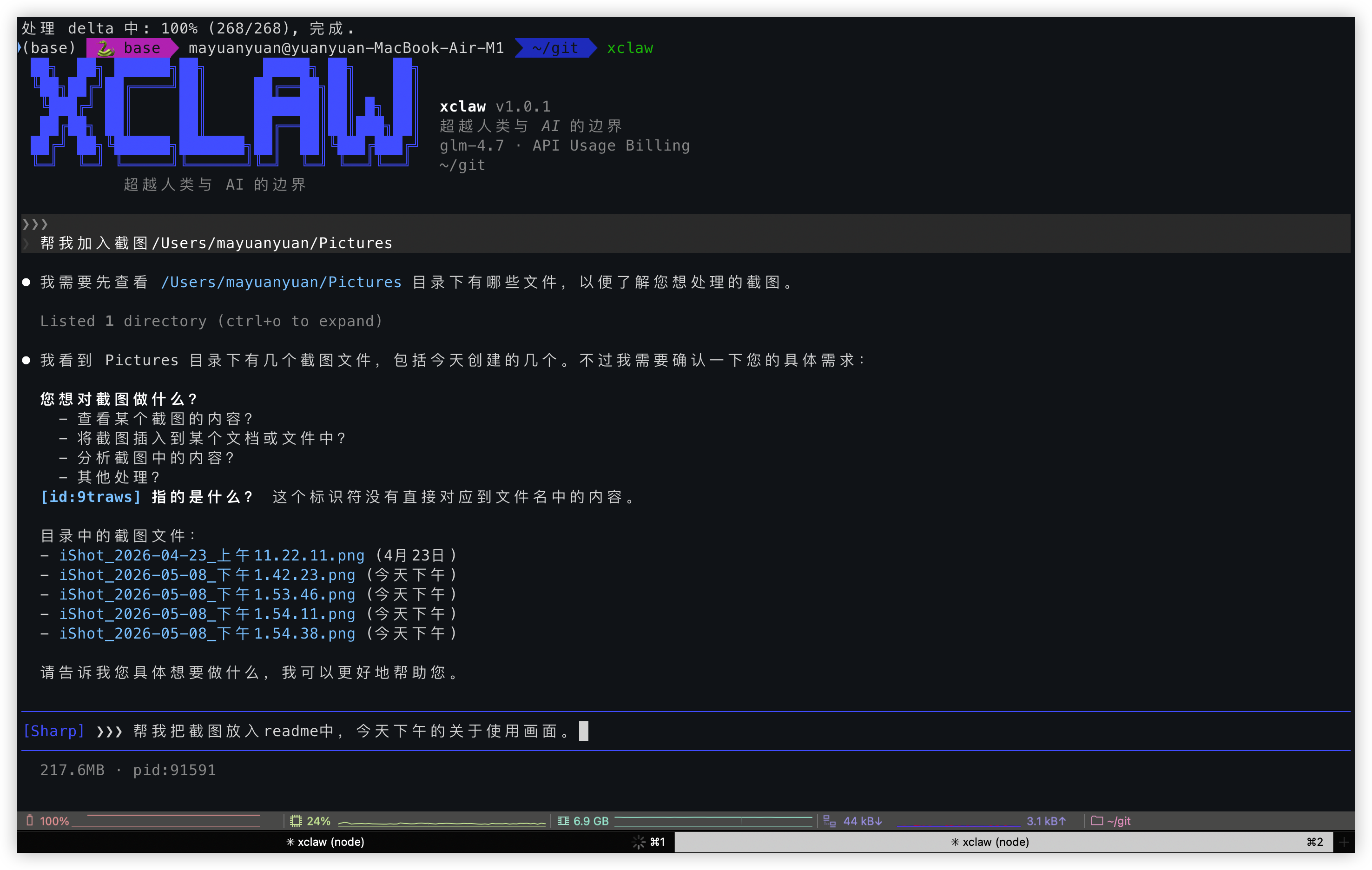
Terminal Interface
终端界面
Mode Switching
模式切换
Interactive Programming
交互式编程

// Mode System

切换人格,切换工作方式

每种模式不只是不同的 prompt — 是完整的工具链、权限模型和 UI 风格的切换。

Default standard

专业、平衡。标准权限,适合日常编码。

🌸 Gentle standard

耐心、鼓励。适合学习新手,给你最温柔的引导。

🔪 Dr. Sharp standard

心理手术刀。三阶段分析工作流,精准诊断你的代码和决策。

🐎 Workhorse auto-edit

高效、零废话。自动批准文件操作,全力输出代码。

💰 Token Saver auto

简洁、精准。省 Token 模式,关掉一切花里胡哨。

🧠 Super AI full-auto

全能、主动。全部自动批准,让 AI 自由发挥。

// Architecture

五层引擎架构

从模型到工具到 UI,每一层都可独立扩展、替换。

🎭
Mode Layer
人格、性格、工具集、UI 风格、权限 — 一切由模式驱动
🤖
Agent Loop
model → tool → execute → result → model,最多 20 轮自主循环
🔌
Provider Layer
Anthropic / OpenAI / Gemini / Grok — 统一接口,自由切换
🛠
Tool System
Bash / Read / Edit / Write / Grep / Glob / Computer Use / Chrome / Web Search
🖥️
TUI Layer
Ink (React) 驱动 — 流式 Markdown、diff 高亮、工具卡片、状态栏

// Get Started

三步开始

从安装到运行,不到两分钟。

01

安装 (推荐 npm)

使用 npm 全局安装,或使用一键安装脚本。需要 Node.js ≥ 18。

npm install -g xclaw-cli
02

配置 API

启动后输入 /login 配置你的 API Key。

xclaw /login # 输入 Base URL + API Key
03

选择模式,开始协作

用 Ctrl+M 切换模式,或直接 /mode sharp 进入 Dr. Sharp。

/mode sharp Ctrl+M cycle modes